

Android Smart Tag GPS Tracker
Android Smart Tag GPS Tracker
The Android Smart Tag with Magnetic Holder is a compact and reliable tracker designed to help you keep your most important belongings safe. It works with Android through Google Find My Device, making it easier to locate keys, bags, luggage, bikes, cars, and other everyday essentials.
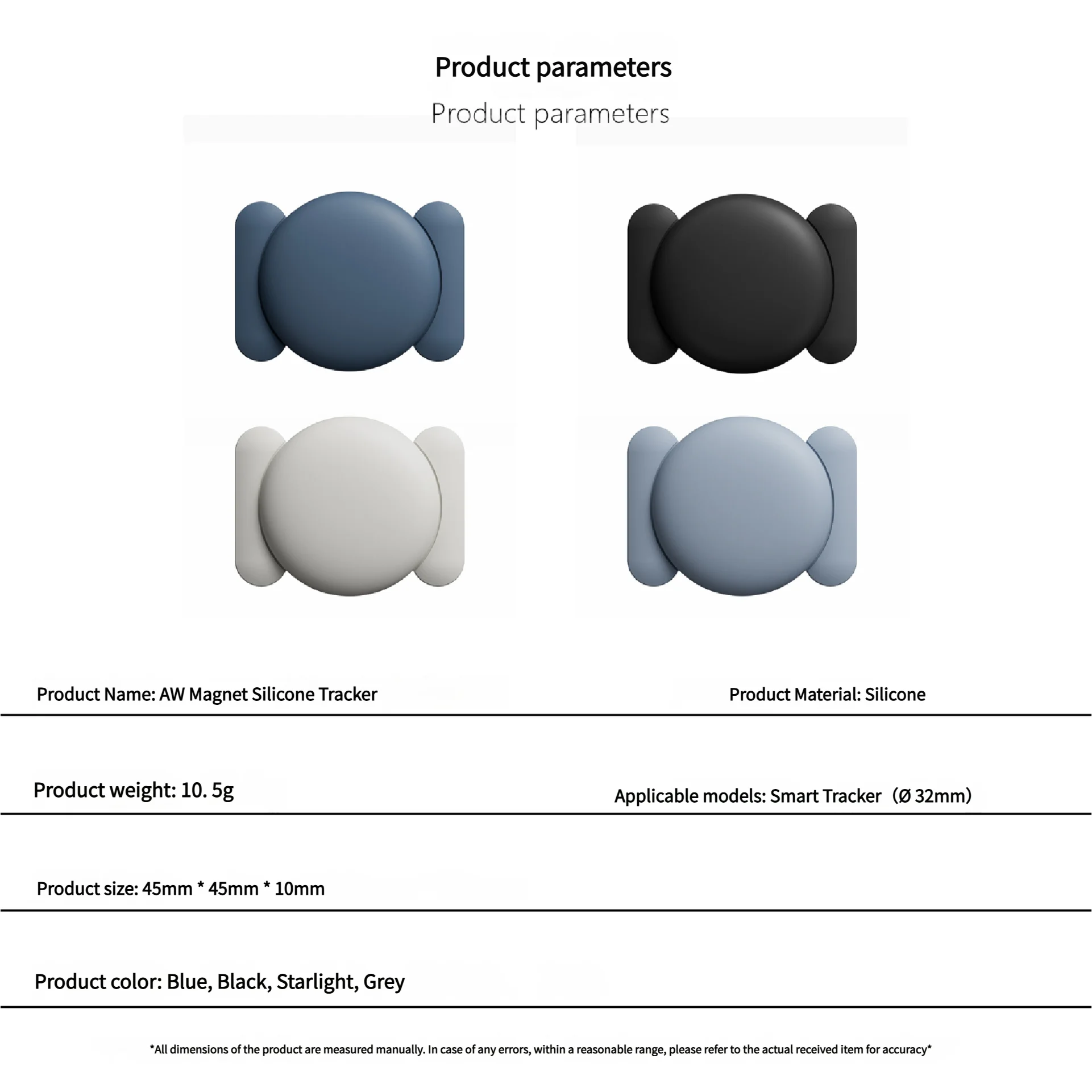
Its magnetic silicone holder makes it practical and versatile, allowing you to attach it securely and discreetly wherever you need it. The lightweight design makes it easy to carry without adding bulk or inconvenience.
This smart tag stands out for its IP67 waterproof protection, long-lasting replaceable battery, compact size, and Android network compatibility. It is built for daily use, travel, and extra peace of mind.
A great choice for anyone who wants a simple, modern, and effective way to protect their valuables and reduce the risk of losing important items.
Product Size: ≈32×32×7.9mm
Product Weight: ≈9g
Item Tracker: PC+ABS
Working Voltage: 2.6V~3.6V
Working Temperature: -20℃~60℃
Power Consumption: Maximum 9.5mAh In Advanced Mode, Average 22ua In Pairing Mode
Battery: CR2032 Non Rechargeable Button Battery(Replaceable)
Feature
• Google Certified Product
• Integrated with Google Find My Device
• Global positioning coverage
• Privacy Protection
• IP67 Waterproof Rating
• Long-lasting Replaceable Battery
Description
1. Reliable Protection, Anytime.
The Android Smart Anti-Loss Device seamlessly connects with your phone. Just open the app to instantly locate any lost items. With the new, com pact design, it's there to protect, so you can live worry-free.
2. Rediscover Important Moment.
Forgot your wallet or lost your keys? The new Android Smart Anti-Loss Device gives you peace of mind! Easily track your items with your Android device and safeguard your essentials anytime.
3. Track Everything, Anywhere!
Say goodbye to losing things. The new Android Smart Anti-Loss Device helps you track all your valuables, even when they're out of sight. With worldwide tracking, it's perfect for travel.
Packaging List
FAQ:Why can't my Android phone connect to Tag ?
A:This is usually because the user missed the automatic pop-up window of Tag, you can try to restore the factory settings. The steps are as follows
How to reset:Please refer to the paper manual for the reset operation
(P.S.:If you can't connect even after reset and no automatic pop-up window appears, please refer to the Troubleshooting Guide.
https://www.rexzol.com/support/google/troubleshooting)
Step: Manual Connection Steps
If the automatic popup doesn't appear, follow these steps to connect manually:
1. Open phone settings
2. Go to Google
3. Select All services
4. Go to Devices
5. Turn on Scan for nearby devices
6. View Available devices nearby
Quality Assurance
If you still have other questions after receiving the item, Please don't worry!please communicate with the merchant, share product photos and videos, and get an immediate refund for verified quality defects.


For you or friends
TAKE CARE YOUR ITEMS
FOR YOUR PRIVACY
ANYWHERE PLACE YOU THINKING
Styled With


